Store
Where collected data values is stored is determined by the option TSDB Configuration in the instance configuration settings, as descibed in the section 5. Configuration of the application instance.
A few settings determine weither data values for a variable should be logged (forwarded) into the destination time-series database (TSDB) or not. By default they are all set to enable logging.
Field
Activein theOPC UA Server node settingsdialog window should be checked. This dialog window can be opened by selecting server’s node in theAddress Spacepanel and clicking onEditbutton.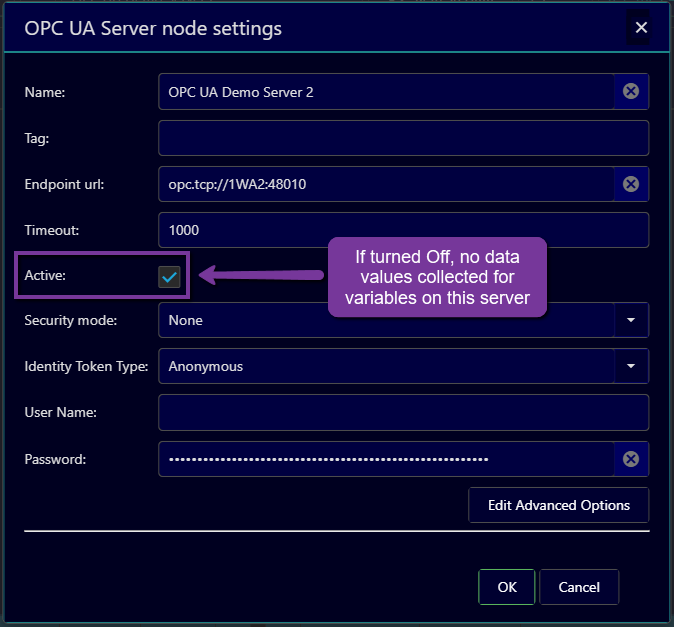
Setting in the column
Log to TSDBof theLogged Variablestable should be checked.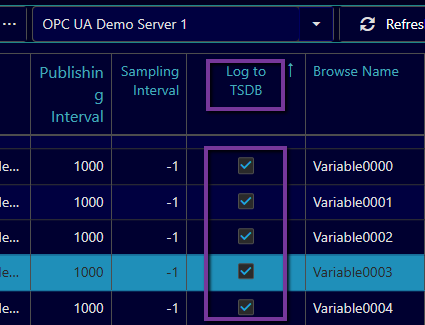
The option
Collector Agent Enabledshould be turned On for the instance.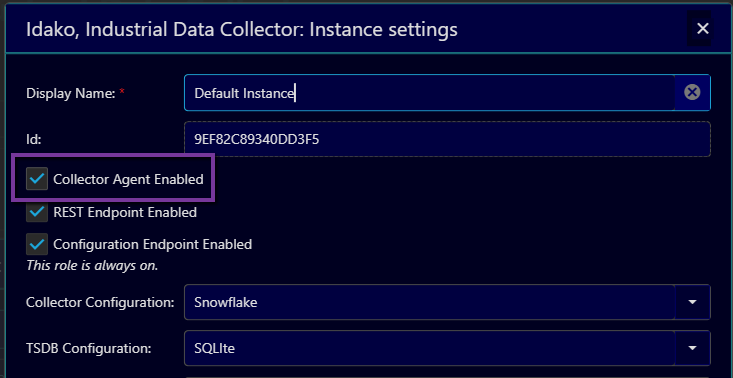
The application should have a valid license for the number of variables collected.
For those variables for which all these conditions met, Industrial Data Collector creates subscriptions and monitored items on OPC UA Servers, and forwards received data changes to the destination TSDB.